


)
Driving today means processing a lot of information at once. Traffic changes quickly. Hazards appear without warning. Speed cameras, road works and sudden slowdowns can catch even experienced drivers off guard. Staying aware matters but so does staying focused.
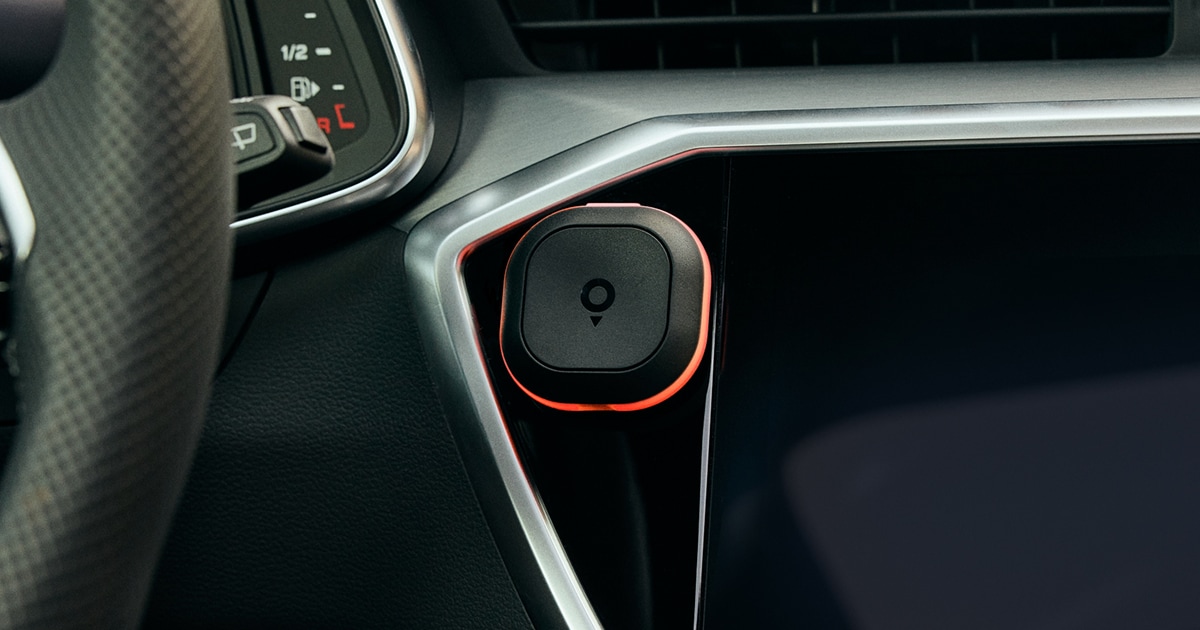
That is where Tom by TomTom comes in. Tom is a screen free road alert assistant that helps drivers stay informed without adding distraction. It uses clear audio and visual cues to warn you about speed cameras, obstacles and traffic conditions ahead, so you can keep your focus on the road and your hands on the wheel.
How it works
Once you have purchased your Tom, all you need to do is download the TomTom app — which does not require a subscription — and connect the device via Bluetooth. After it is set up, Tom connects automatically when you get into your car. It also works with Apple CarPlay and Android Auto.
The best part? You do not need to be using navigation for Tom to work, as it stays connected to TomTom traffic and data through the app running in the background. So even if you’re just driving from your home to the supermarket, Tom will share all the necessary alerts without the need to open the TomTom app and plan a route. All you need to do is get into your car and start driving.
Tom packs decades of mapmaking expertise into a small, magnetic device with one job: providing real-time updates on traffic, obstacles and speed cameras and keeping you better informed so you can drive with more peace of mind.
Alerts that keep your focus on the road
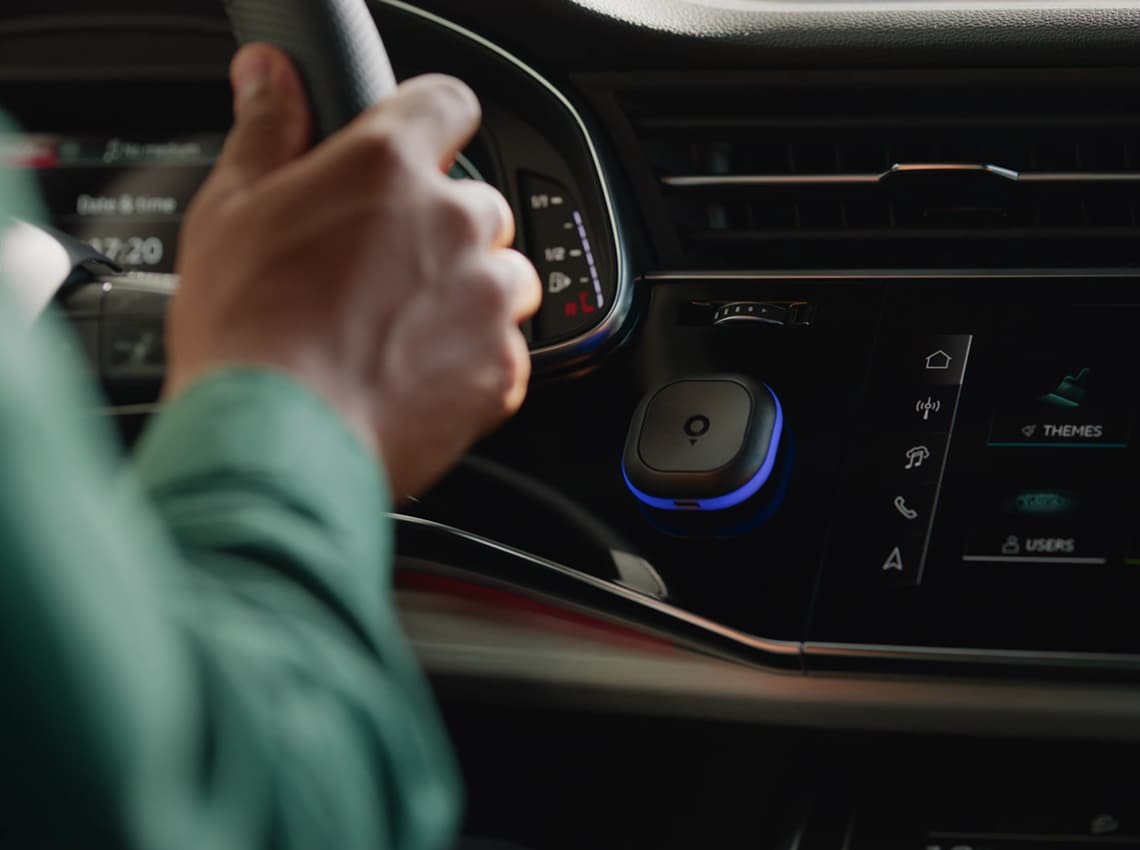
Tom is designed for drivers who want key road alerts without staring at a screen or relying on constant phone notifications. It is the perfect co-pilot that only bothers you if necessary. It is screen free and alerts drivers of potential risks using subtle colour signals and audio alerts, without pulling the driver’s eyes away from the road:
Yellow flags obstacles and changing road conditions, such as accidents, broken-down vehicles, objects on the road, poor road conditions, wrong-way drivers and roadworks. These alerts give you time to slow down and adapt.
Blue alerts you to speed cameras, including fixed cameras, mobile cameras, trajectory control and danger zones in France. When blue and orange alternate, Tom is signalling that your speed is too high as you approach a speed camera or that you are exceeding the limit within a trajectory control or danger zone.
Red is reserved for traffic-related risks. It warns you about traffic jams on your route and jam tail situations, where you are approaching slow or stopped traffic too quickly.
Orange alerts notify you when you exceed the speed limit. This feature is disabled by default, but you can easily enable it in the TomTom app settings if you want extra support keeping your speed in check.
Using clear colours that each have a clear meaning, Tom ensures less distraction and more awareness when it matters most.
Report new hazards or dismiss old ones
Tom also lets you give back to your fellow drivers. Tap the main button to signal that a new speed camera has appeared on the road. Hold the main button to report a new obstacle. Press the top button to dismiss an alert when the hazard is gone.
These small actions help keep alerts fresh and accurate in real time, so other drivers know what to expect ahead. By sharing what you see on the road, you become an active part of the TOMmunity, helping drivers look out for each other every day.
People also read
)
Join the TOMmunity: A smarter, safer way to drive
)
Feedback and TomTom app: The partnership that makes maps and navigation experiences better for all
)
How TomTom navigation apps use your data
)
Data privacy in the era of the connected car
* Required field. By submitting your contact details to TomTom, you agree that we can contact you about marketing offers, newsletters, or to invite you to webinars and events. We could further personalize the content that you receive via cookies. You can unsubscribe at any time by the link included in our emails. Review our privacy policy. You can also browse our newsletter archive here.