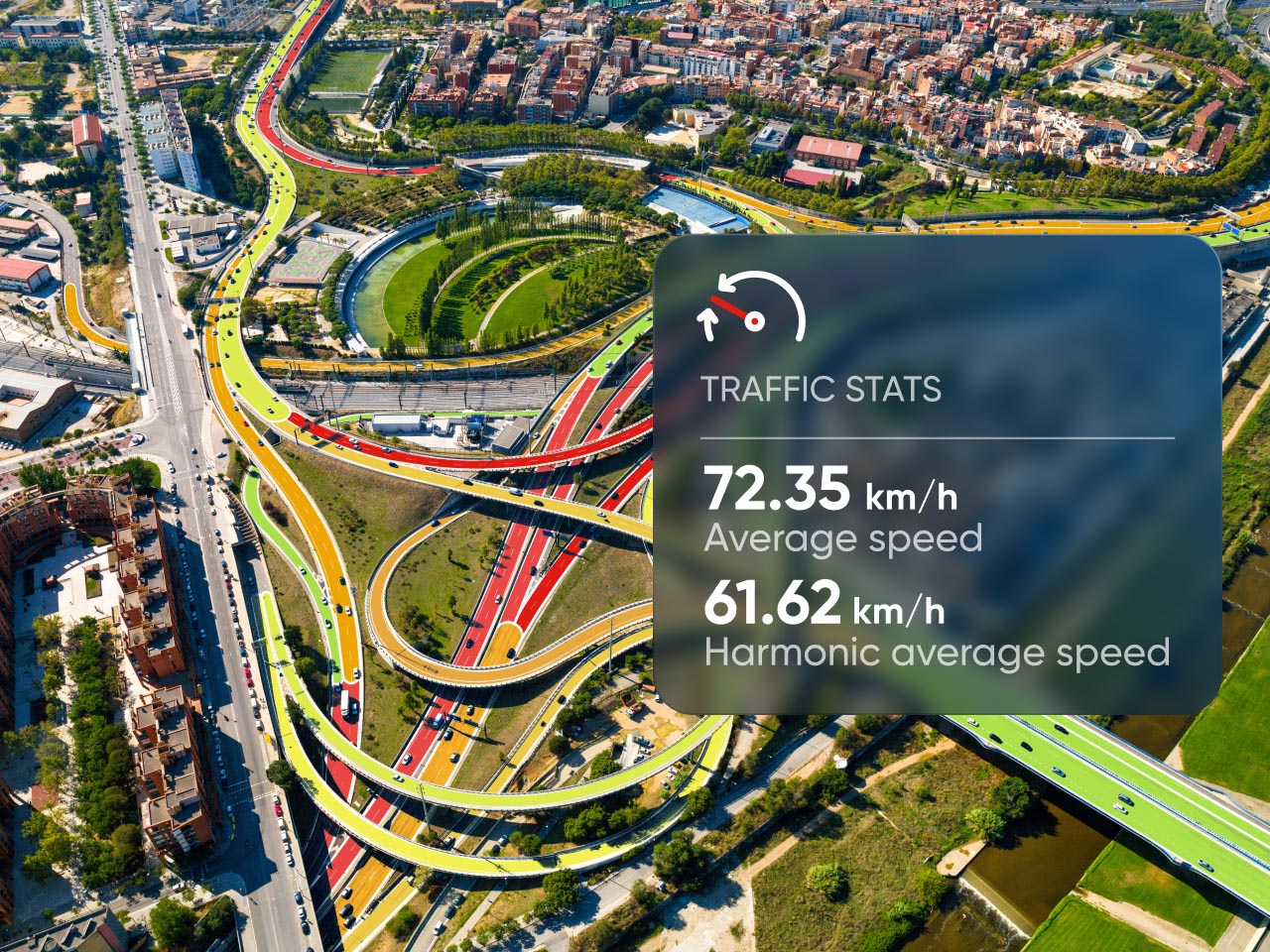















Traffic Stats

Where are roads congested? How did a new road or road layout impact travel times? Get the insights you need to understand, predict and reduce traffic with TomTom Traffic Stats: our road network analysis tool that’s available online via the TomTom MOVE or API.

  • Features
  • Demo
  • Downloads
  • Customers
  • Related resources
Features
Demo
Downloads
Customers
Related resources
Traffic stats illustrations
TrafficLab logo
Traffic & More logo
GEOINT logo
Alyce logo
Gemeente Amsterdam logo
thtc logo
logo_Gobierno-Vasco
logo_StreetLight-Jacobs
AtkinsRealis
TrafficLab logo
Traffic & More logo
GEOINT logo
Alyce logo
Gemeente Amsterdam logo
thtc logo
logo_Gobierno-Vasco
logo_StreetLight-Jacobs
AtkinsRealis
TrafficLab logo
Traffic & More logo
GEOINT logo
Alyce logo
Gemeente Amsterdam logo
thtc logo
logo_Gobierno-Vasco
logo_StreetLight-Jacobs
AtkinsRealis

FEATURES AND BENEFITS

Instant access to travel times and speed insights

TomTom Traffic Stats gives you direct access to the industry’s largest historical road traffic database. With deep insight into road speeds, travel times and traffic density, you can identify mobility pain points, assess the impact of road network changes, improve traffic management and much more.

Maximize existing investments

Maximize existing investments

Understand and monitor your network performance. Complement existing infrastructure and sensor data with broader coverage and higher volume samples to gain a fuller picture of real-road conditions.

Rich reports, ready in minutes

Data-rich reports, ready in minutes

Create customized queries for specific routes or entire areas and explore the results through interactive maps and charts. Most reports are available to view or download in minutes, with even the most complicated queries taking less than 4 hours to complete.

Multiple formats available on demand

Multiple formats available on demand

Available 24/7, Traffic Stats lets you access powerful traffic insights whenever you need them. With data formats including Shape, Json and Excel, choose the format that works best for you.

Analyze traffic accross every road segment

Analyze traffic accross every road segment

Traffic Stats provides key insights like average and median speeds, speed limits, road types, travel times and sample sizes that inform data-driven decisions across entire road networks in over 70 countries. 

See Traffic Stats demo in action

Explore our traffic analytics with an interactive demo. See how road closures impact city traffic or browse other demos to experience our products firsthand.

New York, USA

Managing bridge and tunnel closures

New York City has over 800 bridges and tunnels. As the city plans maintenance on key crossings connecting Manhattan to surrounding areas, closing off even one could cause major congestion.

In this demo, we explore how TomTom traffic data helps determine which bridges or tunnels to start with, when to schedule work and how to manage disruptions.

.

.

Ready to get started?

Access TomTom Traffic Stats with the method that best suits your needs: via our MOVE portal, through batch delivery or with APIs.

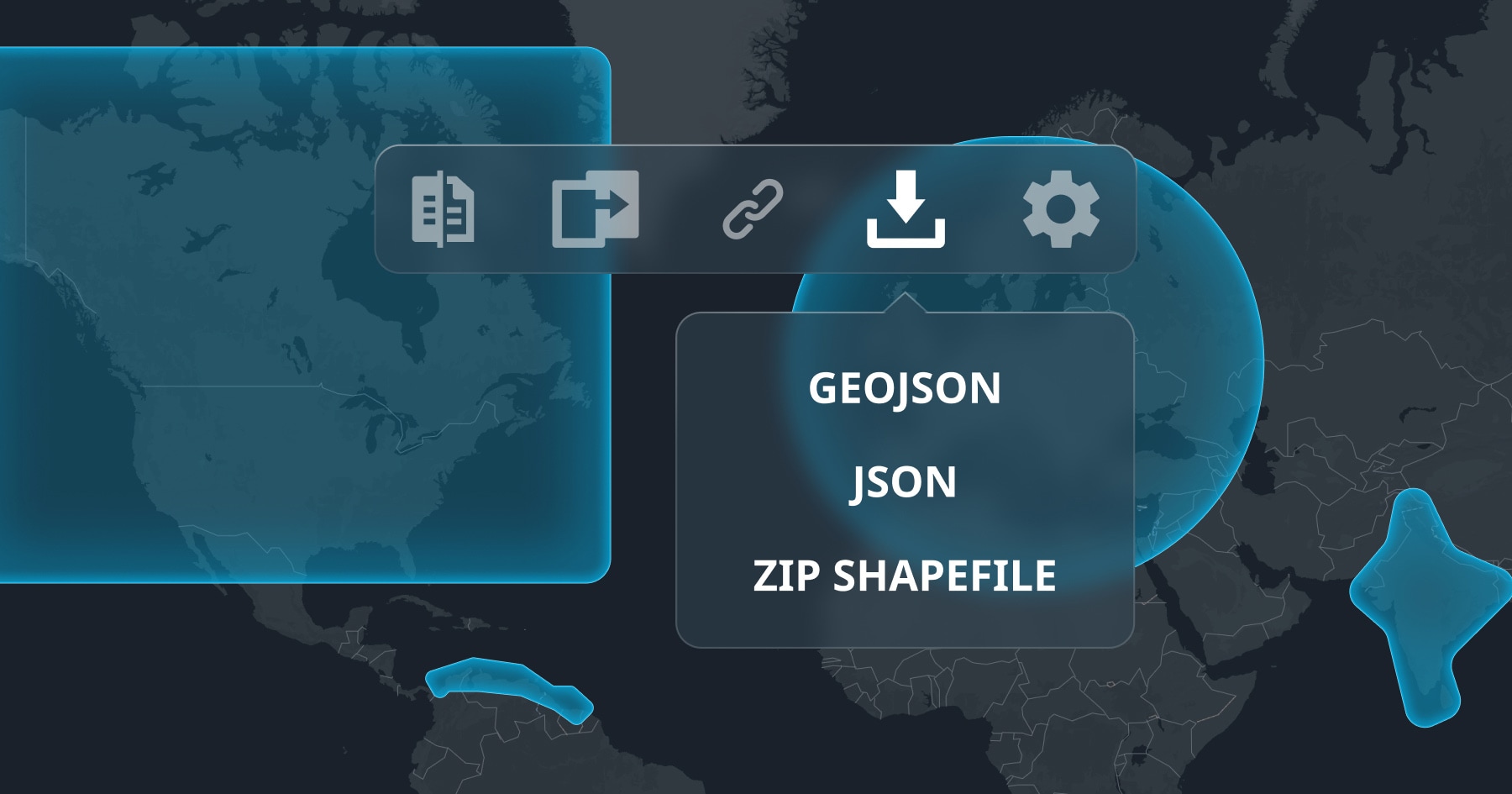
Map interface with icons for copying, linking, downloading, and settings. Options for exporting as GeoJSON, JSON, or ZIP shapefile are displayed.

TomTom MOVE
Create custom reports

No development resources? No problem. Our web portal provides reports with ready-to-use data visualizations, which you can download for your own custom analysis.

Get 30 days free
Map of Europe with glowing orange and blue lines representing connections or traffic routes, highlighted by two cyan polygons.

Batch delivery
Analyze at scale

This method delivers the MOVE portal’s hourly traffic metrics packaged as files for large areas, extended time periods and seamless integration into analytics workflows.

See documentation
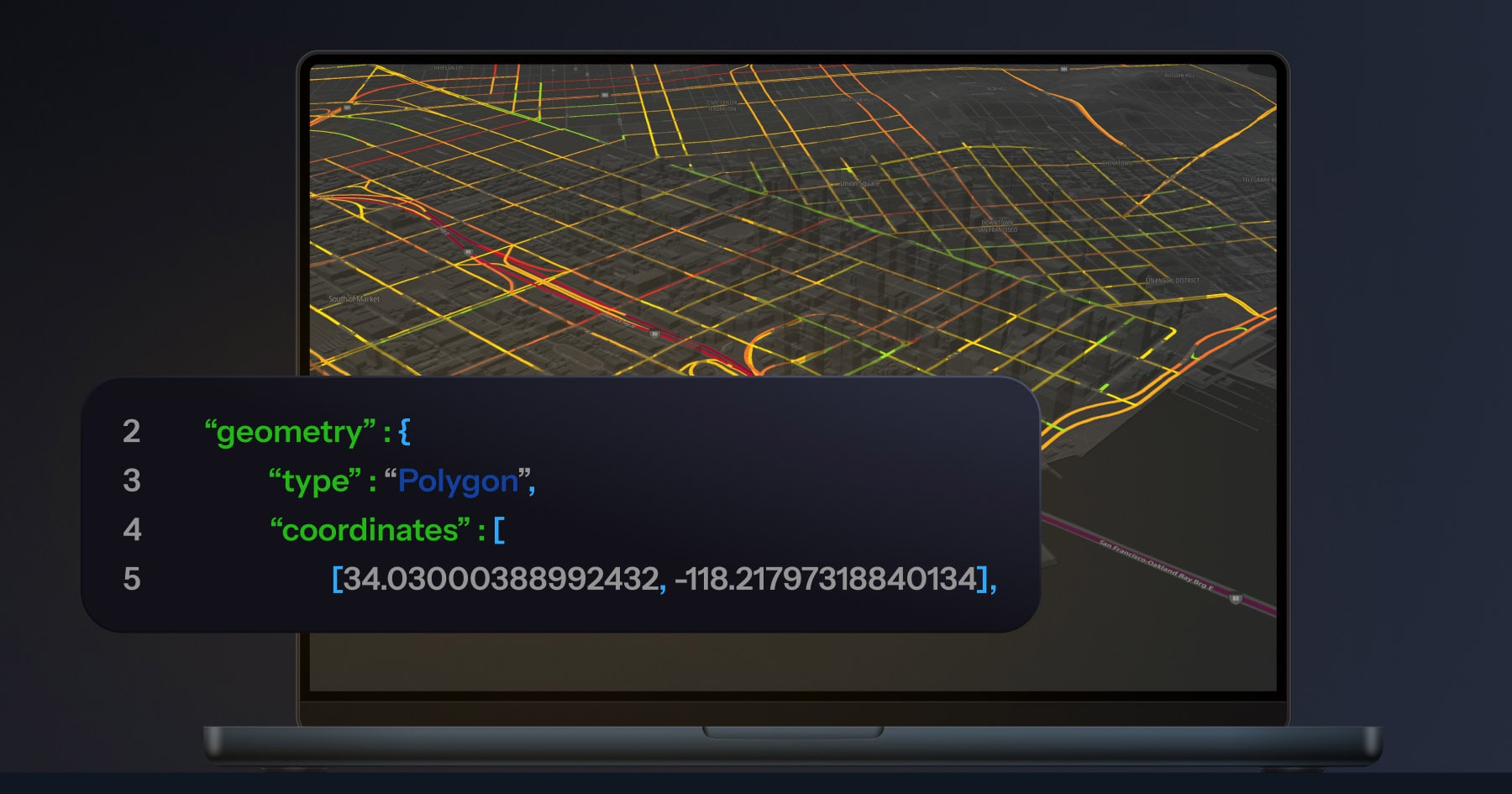
A laptop displaying a digital map with colored lines over a city layout. A code snippet with geometry type "Polygon" and coordinates is shown.

API
Build it yourself

Want to integrate traffic intelligence directly into your applications and analytics platforms? Introduce your dev team to our APIs.

See documentation

Application areas

route performance analysis icon

Network Performance Analysis

Assess travel time reliability, identify congestion bottlenecks, and measure the impact of road network changes to improve routes.

traffic pattern monitoring icon

Road Performance Monitoring

Track how traffic is affected by seasons, events or incidents to plan better and adapt to changes.

congestion mitigation icon

Congestion Mitigation

Find and prioritize traffic management and operational decision-making to address congestion hotspots.

transportation modeling icon

Transportation Modeling

Use accurate speed and travel time data to build better transportation models, which lead to better decisions.

Downloads
TomTom Traffic Stats product sheet
PDF - 6,02 MB
Helsinki case study
PDF - 259 KB

Customer stories

See how these organizations analyze and manage road congestion more effectively with TomTom Traffic Stats.

Transport Hi-Tech Consultants (THTC) helps local authorities in Saudi Arabia manage congestion on busy roads with highly accurate historical traffic data.

Get in touch to learn more about Traffic Stats

* Required field. By submitting your contact details to TomTom, you agree that we can contact you about marketing offers, newsletters, or to invite you to webinars and events. We could further personalize the content that you receive via cookies. You can unsubscribe at any time by the link included in our emails. Review our privacy policy.