Ready to start using GO Expert? Follow the steps below to activate your purchased subscription. Make sure not to choose “start free trial”.
TomTom GO Expert app


TomTom GO Expert app
Install the TomTom GO Expert app on your device.

Open the app, tap Existing user
Login with your TomTom account on the start screen.
Please make sure not to continue in the app before you log in and activate the promotion
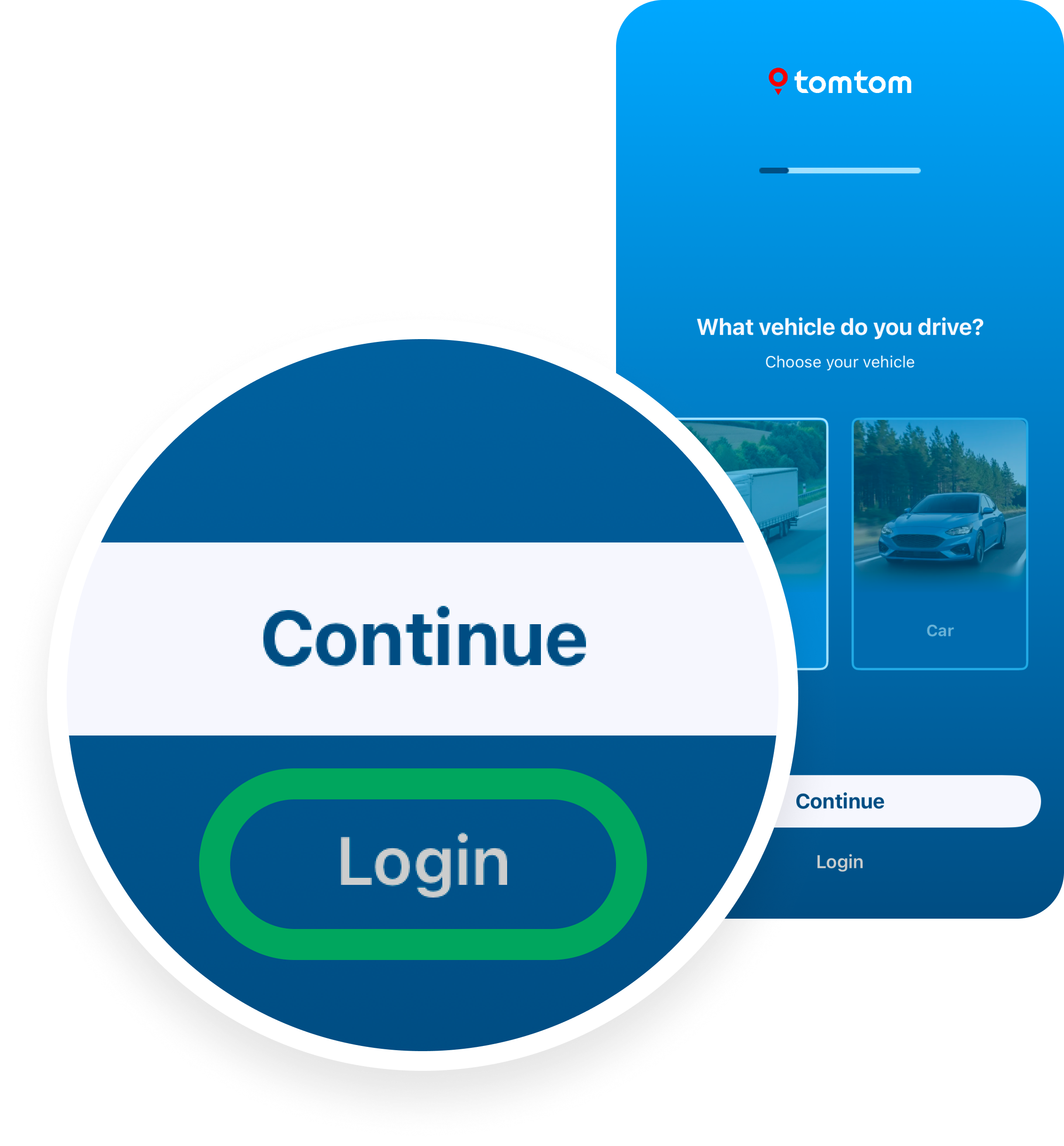
If you used Google or Facebook to sign up, you may need to create a password first via ‘Forgot your password?’
If you are having trouble applying the discount or logging in, check our support resources:
Ensure you use the same email address for purchase and login.
If you already have an account, login during step 1 instead of creating a new one.

4.4/5 rating
Rated by 18,000+ professional drivers on App Store

Secure processing
Your subscription is processes securely by TomTom

Official promotion
Direct from TomTom